

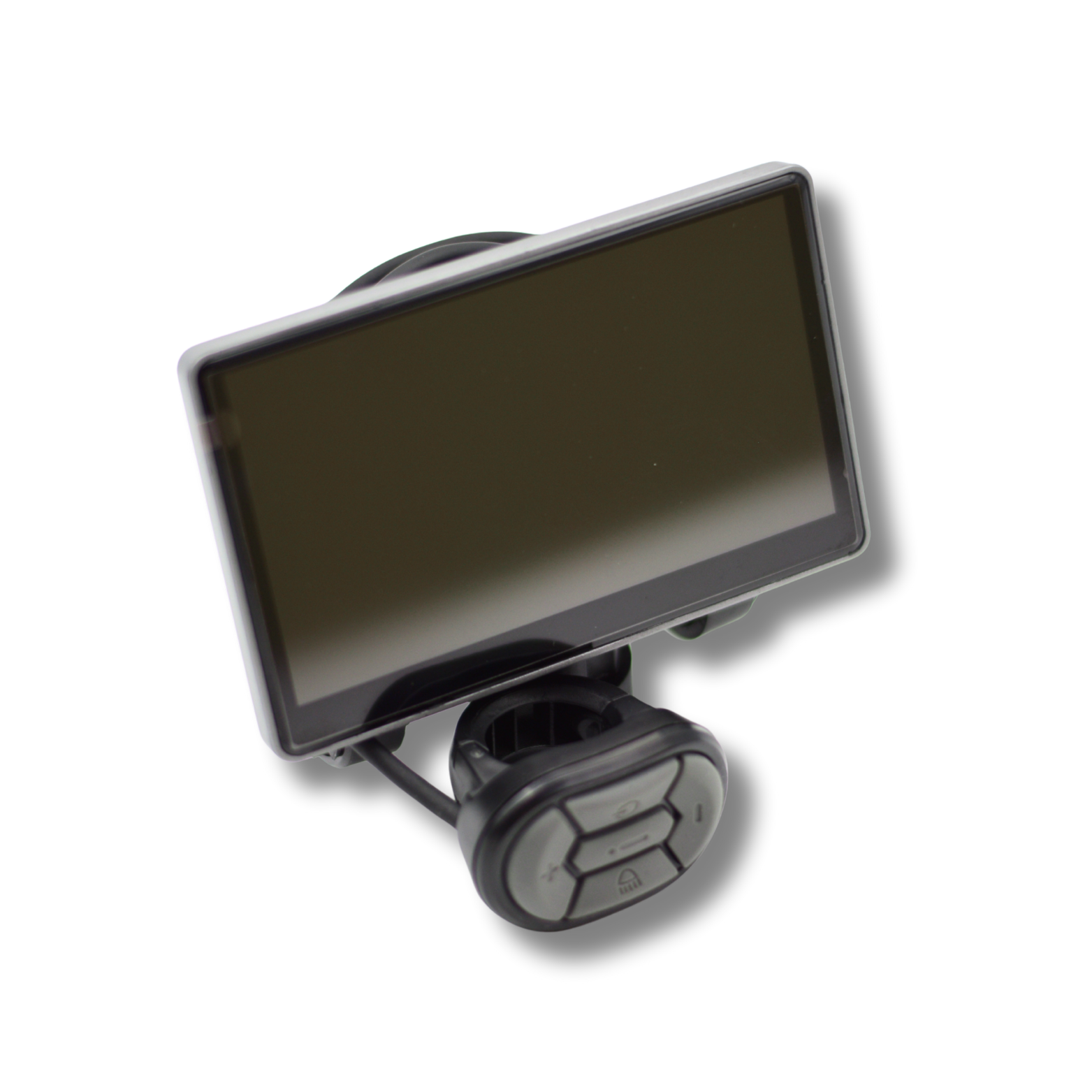
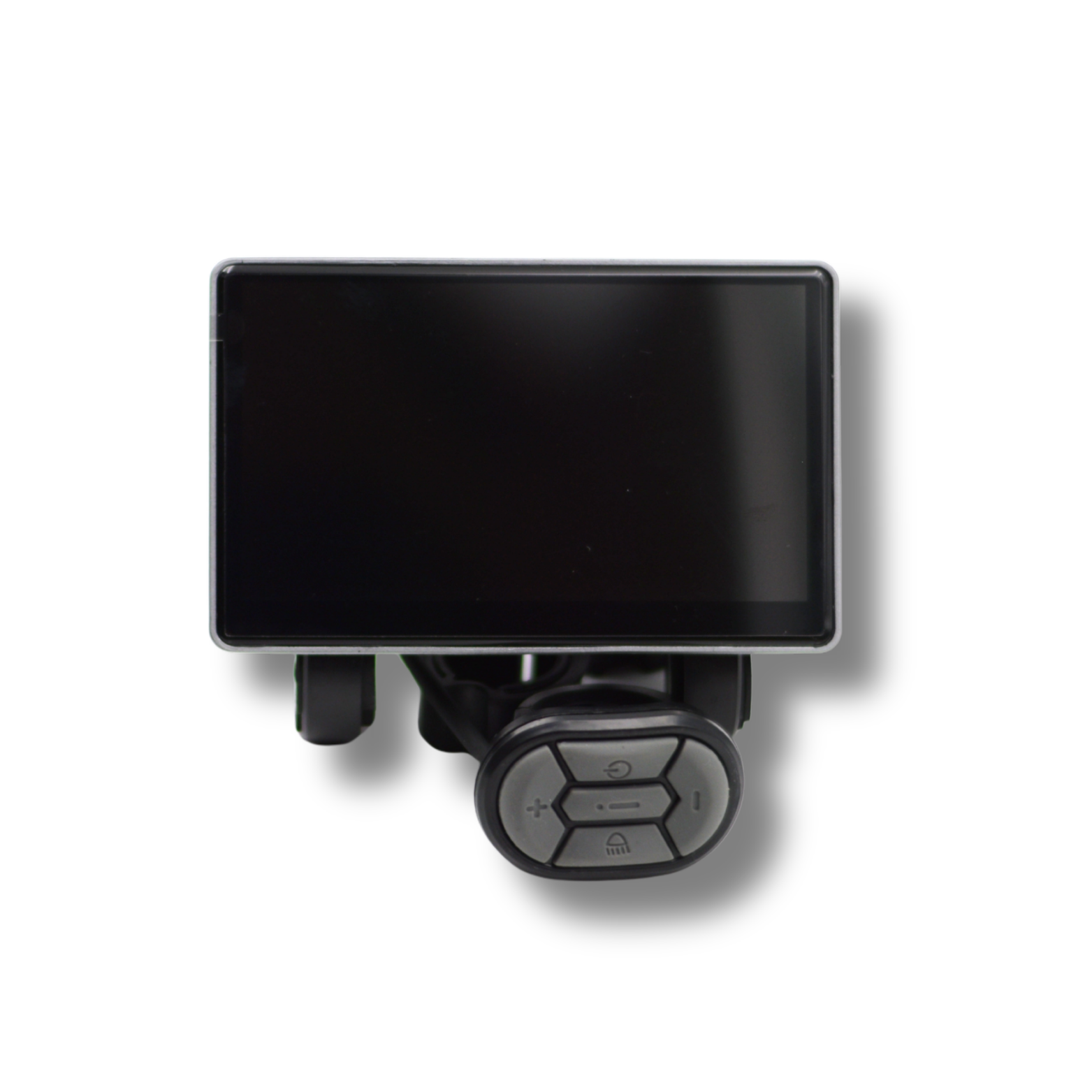
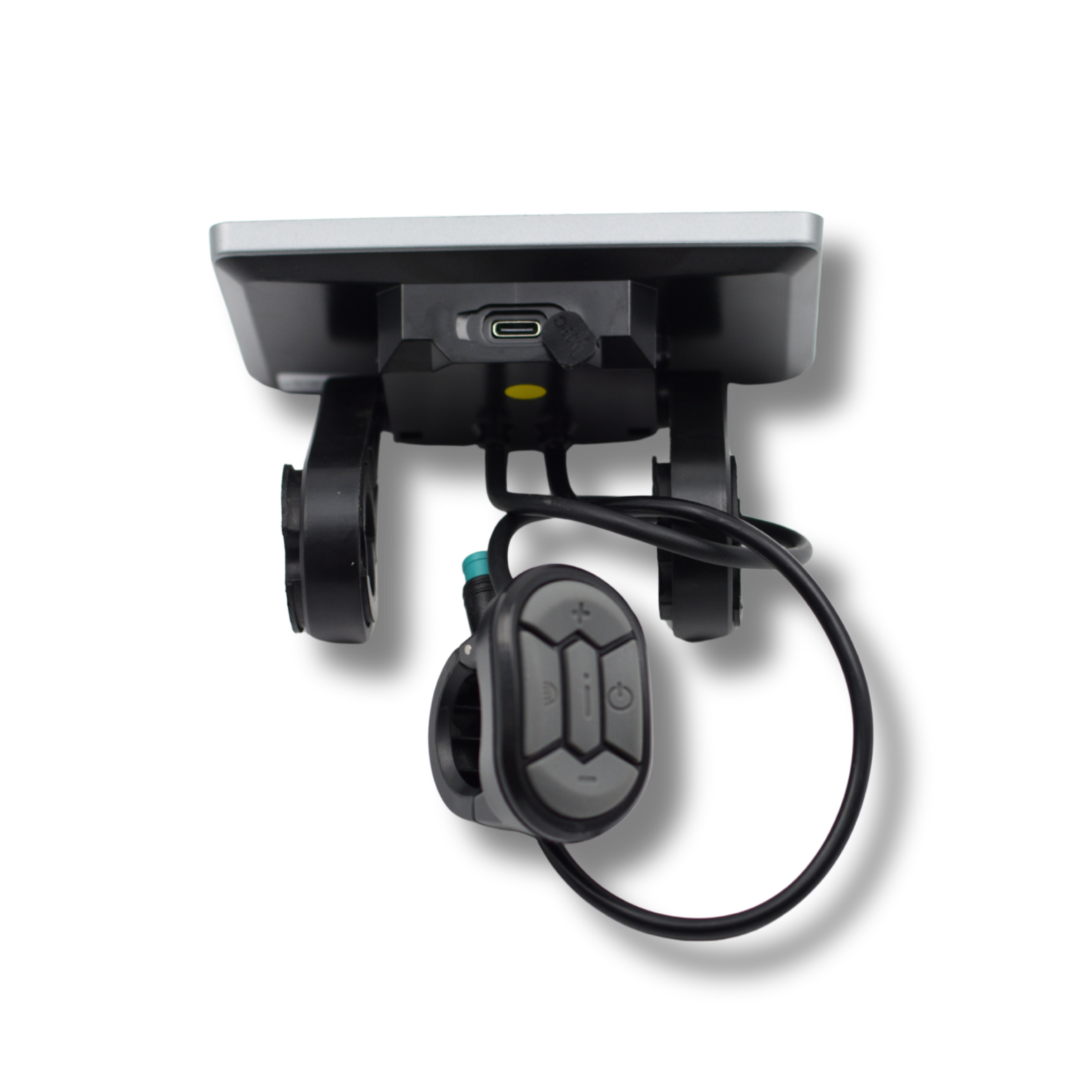
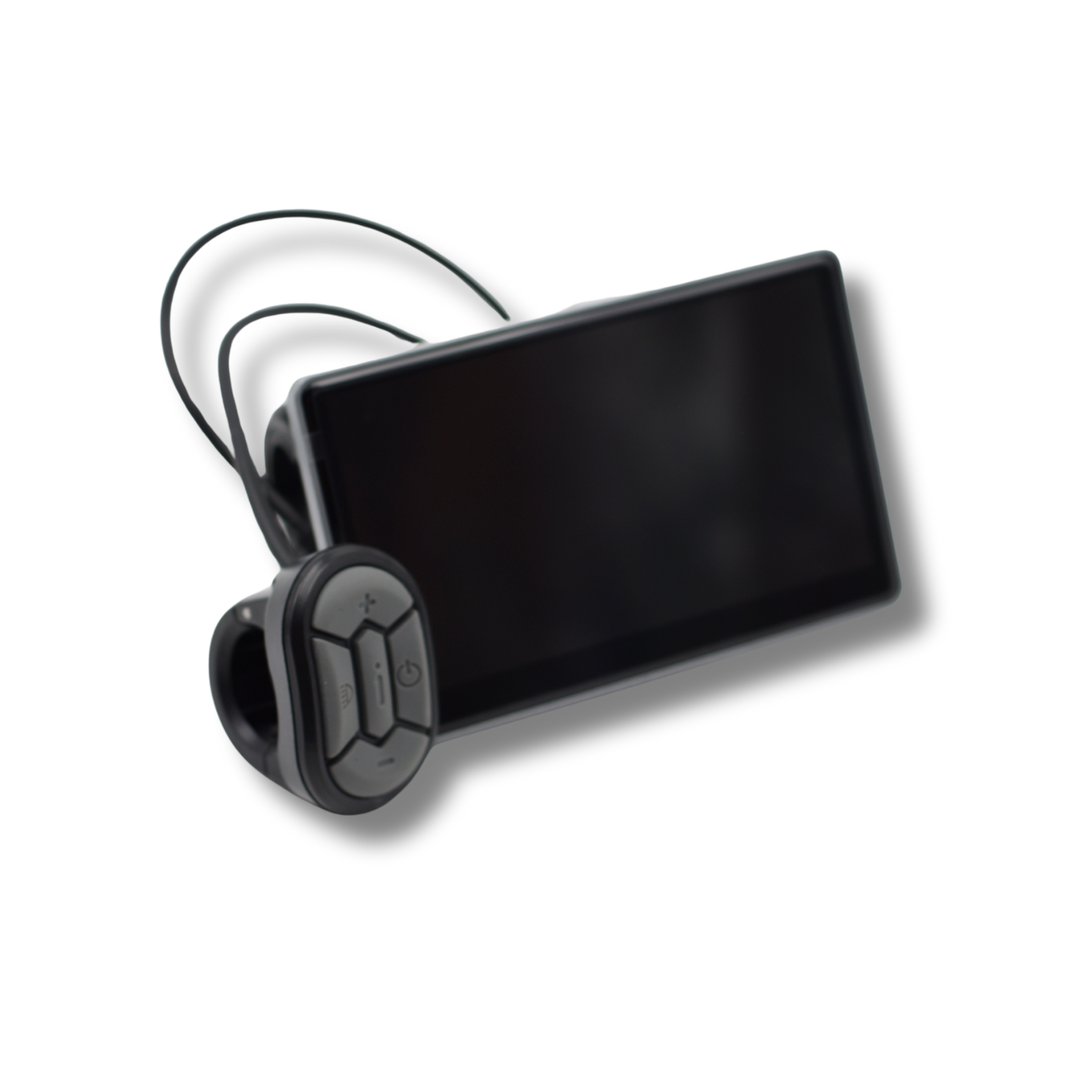

About Ouxi V8 / C80 – HC80 display with adjustable speed and kill switch (without NFC)
A display must work with your bike’s controller. The model and version with or without NFC are important when choosing.
Product information
Is your display defective or in need of replacement? Then order this original Ouxi HC80 Display. This Display offers weatherproof properties, long lifespan and stability.
This display allows the speed setting to be adjusted up to 50 km/h.
The kill switch lets you quickly reset the speed setting to 25 km/h.
Speed unlock code: 8252
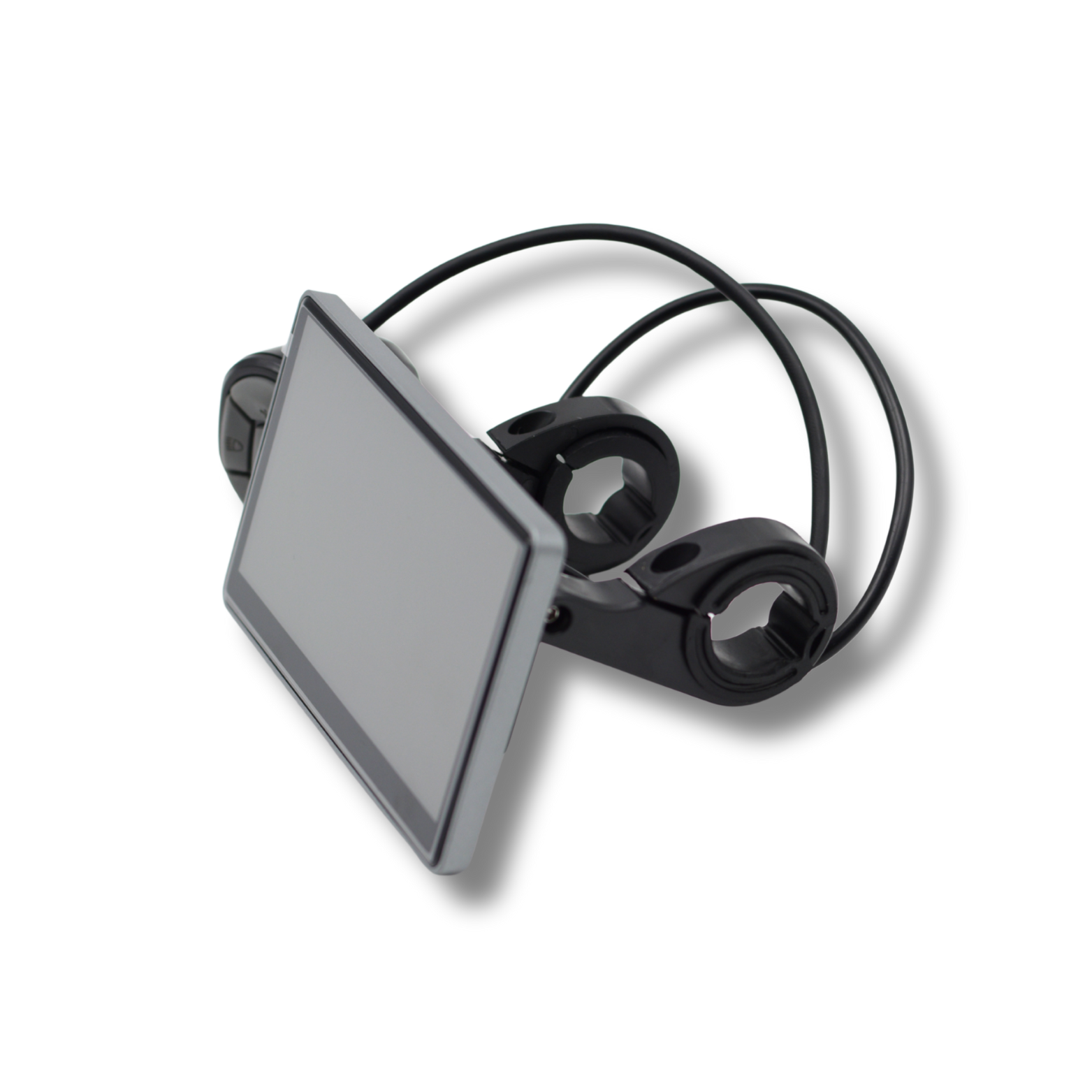
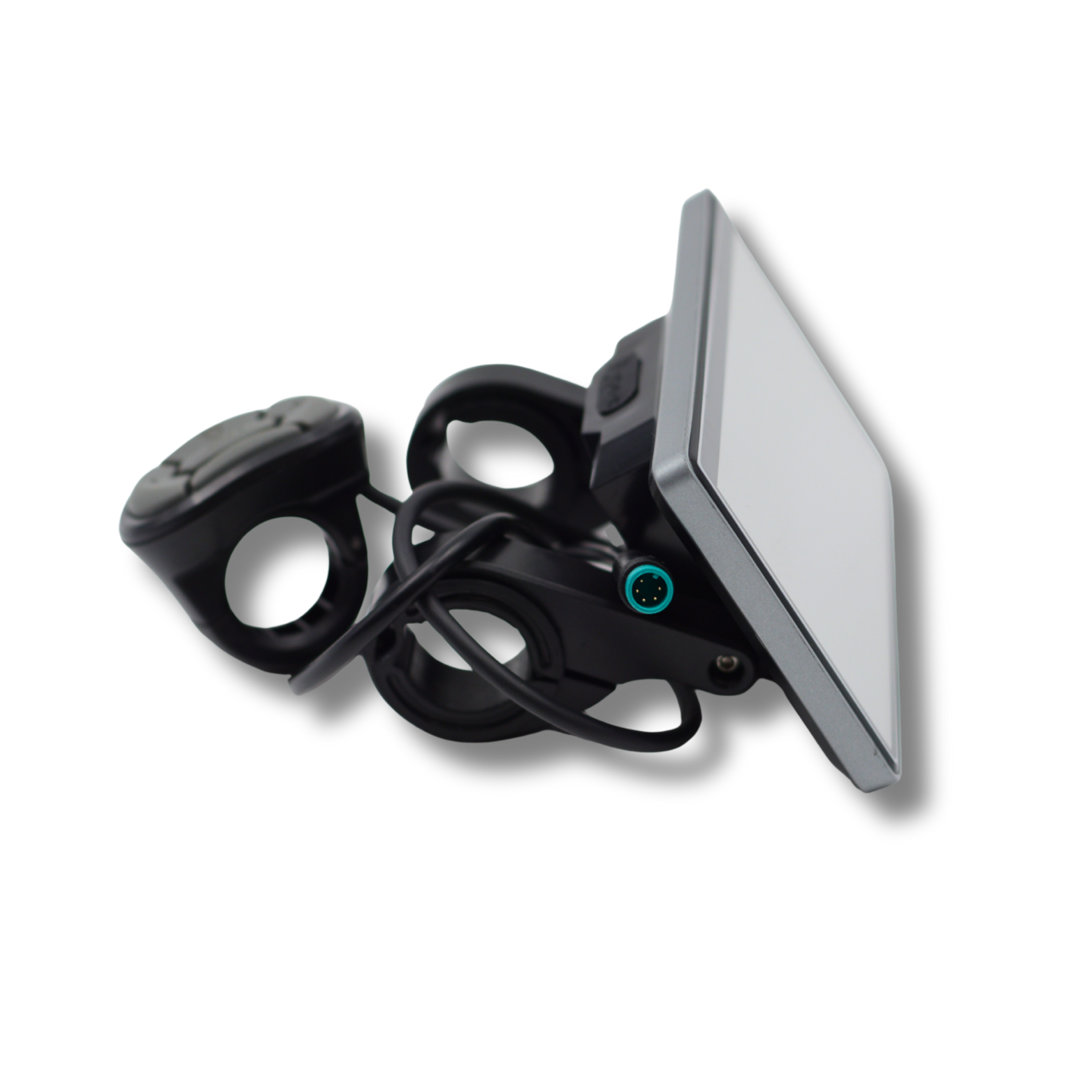
Easy to assemble with the supplied two screws, nuts and rubbers.
Fits: Ouxi V8, V8 Max, C80, C80 Max, C80 Pro, C80 Pro Max, V8 pro, V8 Pro Max, C63, H9, Q8, V8 Ultra and other Ouxi models.
(Make sure the part matches your part to avoid disappointment)
This display is intended for use on private property only, not on public roads.
Specifications
- Product
- Ouxi V8 / C80 – HC80 display with adjustable speed and kill switch (without NFC)
- Product type
- Displays
Benefits at a glance
- HC80 version
- Mounting material included
Does this product fit your bike?
Compare the model number, voltage, connector and controller with the product details. A matching plug alone does not confirm compatibility.
Use and operation
The display provides controls and information for the electrical system. Available functions depend on the display type and connected controller. Similar-looking screens may have different connectors or communication, so compare the complete version.
Preparing for installation
Have the correct version, product information and suitable tools ready before starting. Check the new part before removing the old one. Take photos of the existing mounts and connectors if needed.
What should I check when installing it?
Switch off the bike and disconnect the battery before installation. Compare connections, do not force the plug and check operation according to the manual.
Checks after installation
Check the mounting and operation before using the bike again. If there is play, rubbing, an error message or unusual operation, stop and have the cause checked.
Care and checks
Clean the screen and controls with a soft cloth. Check the mount, cable and connector for damage or play. Avoid pressure washing electrical parts. Disconnect the battery before checking connections when troubleshooting.
Delivery and support
Order before 23:59 today? Delivered tomorrow. Keep your order number and send clear photos of the product, any connectors and the problem. We can help with the next step via WhatsApp. FatbikesForYou’s terms apply to delivery and returns.
Frequently asked questions about Ouxi V8 / C80 – HC80 display with adjustable speed and kill switch (without NFC)
What should I check before ordering?
Check the version and specifications above first. Compare them with your current product and the selected options. If you are unsure, send us photos so we can help compare the differences.
What is included?
The product description lists the package contents. Only parts or accessories explicitly described as included come with this order. An item shown in a photo is not automatically included.
Unsure which version to choose?
Send us your bike model and clear photos of the existing part and connections via WhatsApp. We will help you choose the right version.
Personal advice via WhatsApp